How to Choose a Monitor for Gaming, Work, and Daily Use
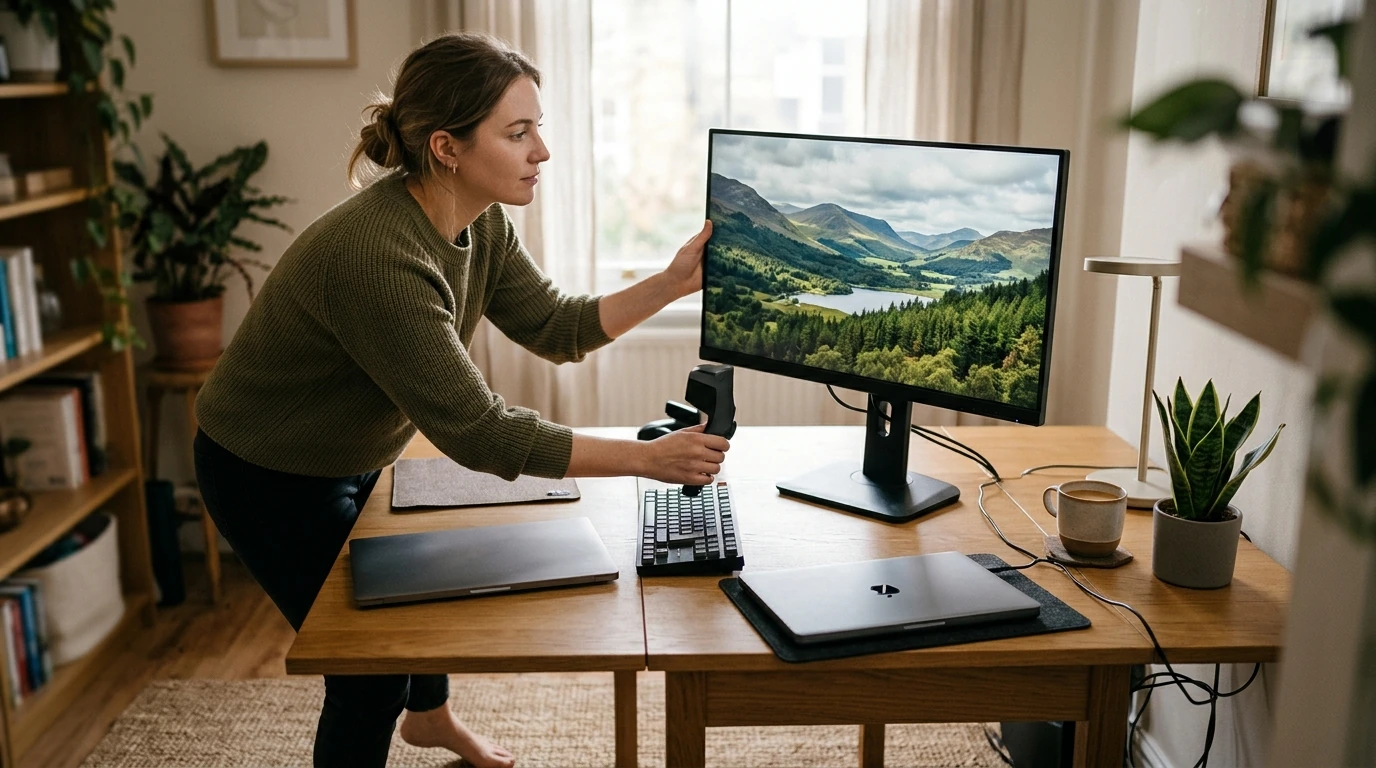
The right monitor starts with what you do at your desk, not with the longest specification list. A display that feels great for competitive games may not be the best fit for spreadsheets and video calls. A sharp screen for detailed creative work may require more from your computer than you want to spend. We’ll help you narrow the choice to the features you’ll actually use—and spot the setup details that are easy to overlook.
Start with what you do most
Name your primary use first: fast-paced gaming, detailed creative work, documents and video calls, or a mix of everything. If your days are mixed, choose a screen that handles your everyday tasks comfortably before paying extra for a specialized feature. A higher refresh rate is appealing, for example, but it won’t make up for text that feels too small or a stand you can’t position well.
Next, look at the desk itself. Measure the space available, consider how far you sit from the screen, and note whether a laptop or desktop will drive it. A larger monitor can offer more room to work, but it also takes up more of your field of view at a shallow desk.
Match screen size and resolution
Screen size affects how much display you can comfortably take in at once. Resolution determines how many pixels are available to show detail. The two work together, so compare them as a pair rather than shopping by either number alone.
A 24-inch 1080p monitor is a practical starting point when desk space or budget is limited. A 27-inch 1440p display gives you more room and detail without jumping to 4K. A 27-inch or larger 4K screen can show finer detail, though you may want display scaling to keep text and controls comfortable to read. For gaming, remember that rendering at a higher resolution can demand more from your computer, particularly if you also want high frame rates.
| Main use | Prioritize | Check before buying |
|---|---|---|
| Fast-paced gaming | Refresh rate and responsive performance | Whether your computer can deliver the frame rates you want |
| Office work and study | Readable text, comfortable size, and adjustability | Desk fit and laptop connections |
| Creative work | Resolution and color-related specifications | Whether the stated color capabilities match your work |
| Everyday mixed use | A balanced size, resolution, and feature set | Which features you’ll use regularly |
Understand the specifications that change the experience
Refresh rate, response time, and panels
Refresh rate describes how often the screen updates its image each second. A higher rate can make movement look smoother, especially in games and while scrolling. Response time concerns how quickly pixels change between states, which can affect motion clarity. Neither number alone guarantees a better gaming experience: your computer’s output and the monitor’s real-world performance matter too.
Panel characteristics can influence viewing angles, contrast, and how motion looks. Rather than treating one panel label as a universal winner, decide which trade-offs matter at your desk. You may value consistent viewing angles for shared work, deeper-looking dark scenes for entertainment, or clearer motion for quick games.
Look beyond an HDR label
“HDR” on a box does not tell the whole story of how HDR content will look. Compare the specific capabilities or certification a monitor claims. If HDR is a priority, the VESA DisplayHDR program provides a useful place to understand its certification tiers and what they test.
Check the setup details before deciding
Before you settle on a display, identify the video output on your computer and a compatible input on the monitor. Then confirm that the connection supports the resolution and refresh rate you intend to use. Laptop users should also account for any cable or adapter needed. If a single-cable setup appeals to you, check the particular USB-C video, data, and charging capabilities on both devices; a USB-C port alone does not establish all three.
Comfort features deserve space on the shortlist. Height adjustment and tilt can help you position the screen for your seat and desk. If you plan to use an arm, confirm VESA mount compatibility and that the arm supports the monitor. When two models otherwise meet your needs, comparing their power-use information may help break the tie. The ENERGY STAR computer monitors resources offer another reference point for energy efficiency.
Turn a shortlist into a confident choice
Give each finalist the same five-part check: Does it suit your primary use? Are its size and resolution comfortable for your desk and computer? Does it have the connections you need? Will it fit and adjust where you’ll use it? Does it fit your budget? If an impressive feature doesn’t improve one of those answers, you may not need to pay for it.
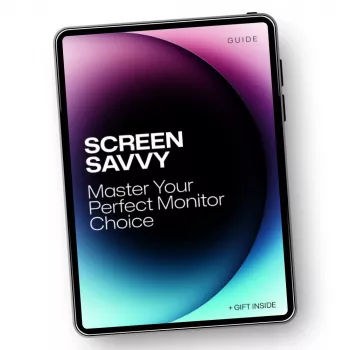
For a more structured way to sort gaming, work, and everyday priorities, explore our Screen Savvy: Master Your Perfect Monitor Choice guide. If a monitor is part of a broader workday reset, our Ultimate Productivity Blueprint focuses on goals, time management, and daily routines. Start with the setup you need, then use Screen Savvy to make your monitor decision with more confidence.
FAQ
Is a higher refresh rate worth it for everyday work?
It can make scrolling and other movement feel smoother. For a work-first setup, readable text, comfortable positioning, and the right connections may be more important.
Should a 27-inch monitor be 1440p or 4K?
Choose based on the detail you want, how you feel about display scaling, what your computer can support, and your budget. Neither resolution is the right choice for everyone.
What should be checked before connecting a monitor to a laptop?
Confirm compatible video ports, the supported resolution and refresh rate, and any cable or adapter needs. For USB-C, also verify the specific video, data, and charging features you want.














Leave a comment