Security Alert Emails: Real Warnings or Phishing Scams?
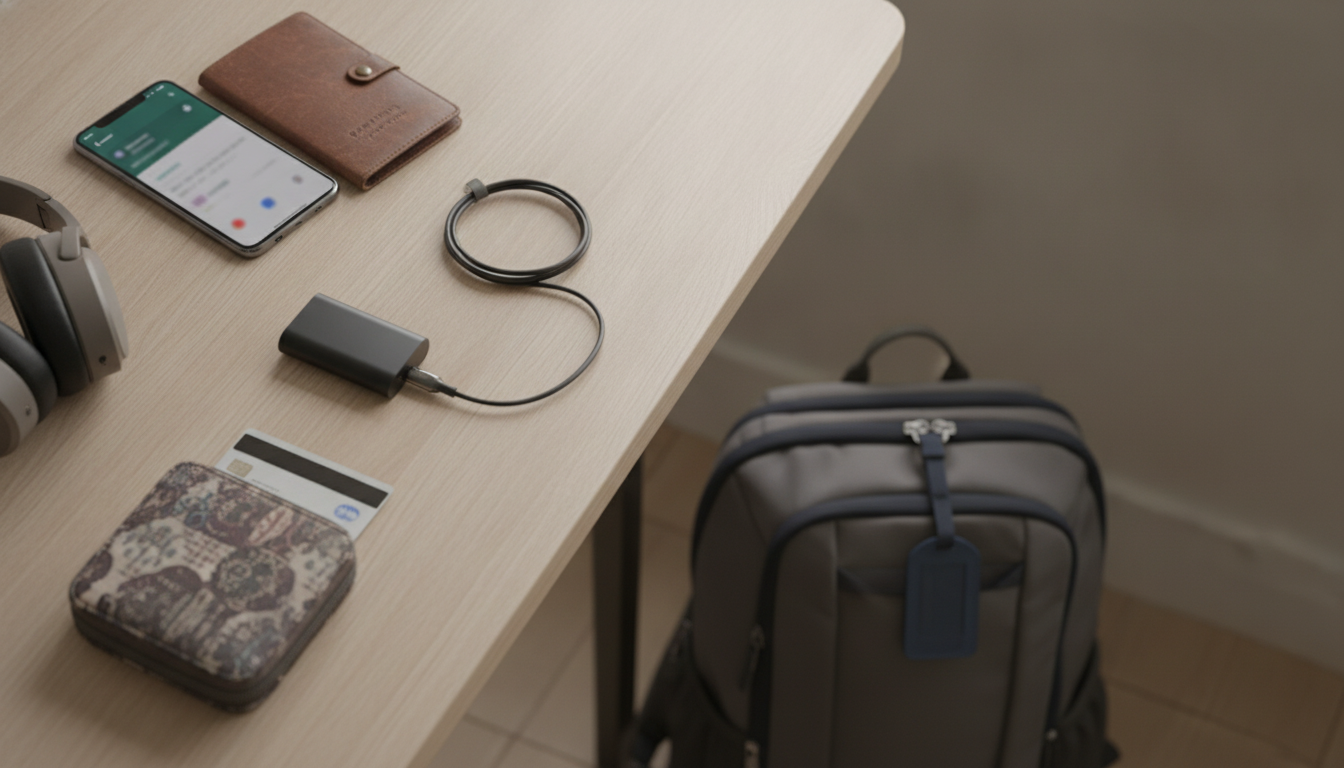
Are security alert emails a scam?
Some security alert emails are legitimate, but many are scams designed to scare you into clicking a link, calling a “support” number, or entering passwords and payment details. Scammers often mimic well-known brands (Apple, Microsoft, Google, banks, delivery services) and use urgent language like “Unusual sign-in detected” or “Your account will be locked in 24 hours” to push quick action.
How to tell a real alert from a fake one
Start with the sender details. A display name like “Apple Security” means nothing if the actual email address is misspelled, uses an odd domain, or doesn’t match official domains. Next, hover over any buttons or links (without clicking) to preview the destination—phishing links often point to unrelated or slightly altered URLs. Also watch for sloppy formatting, generic greetings, unexpected attachments, and requests for sensitive info. Legit security alerts typically don’t ask for your password, two-factor codes, gift cards, or remote access to your device.
What to do if you get one
Don’t click links or call phone numbers inside the email. Instead, open a new browser window and sign in through the official website or the company’s official app to check for real notifications. If the message claims your account was accessed, change your password (using a unique one), enable multi-factor authentication, and review recent logins. If you already clicked, run a security scan, change passwords immediately, and contact the company using contact info from its official site—not the email.
For more practical steps to spot travel-related phishing and device scams (and what to do if you’ve already interacted with them), read the full guide here: https://prestigal.com/guide-travel-security-scam-awareness-protect-devices-money/.
FAQ
What should I do if I clicked a link in a security alert email?
Disconnect from any remote access requests, close the page, and immediately change the affected account password from the official site or app. Then run an antivirus/anti-malware scan and review account activity for unauthorized changes or logins.














Leave a comment