Is the 30-Day Fitness At-Home App Really Free?
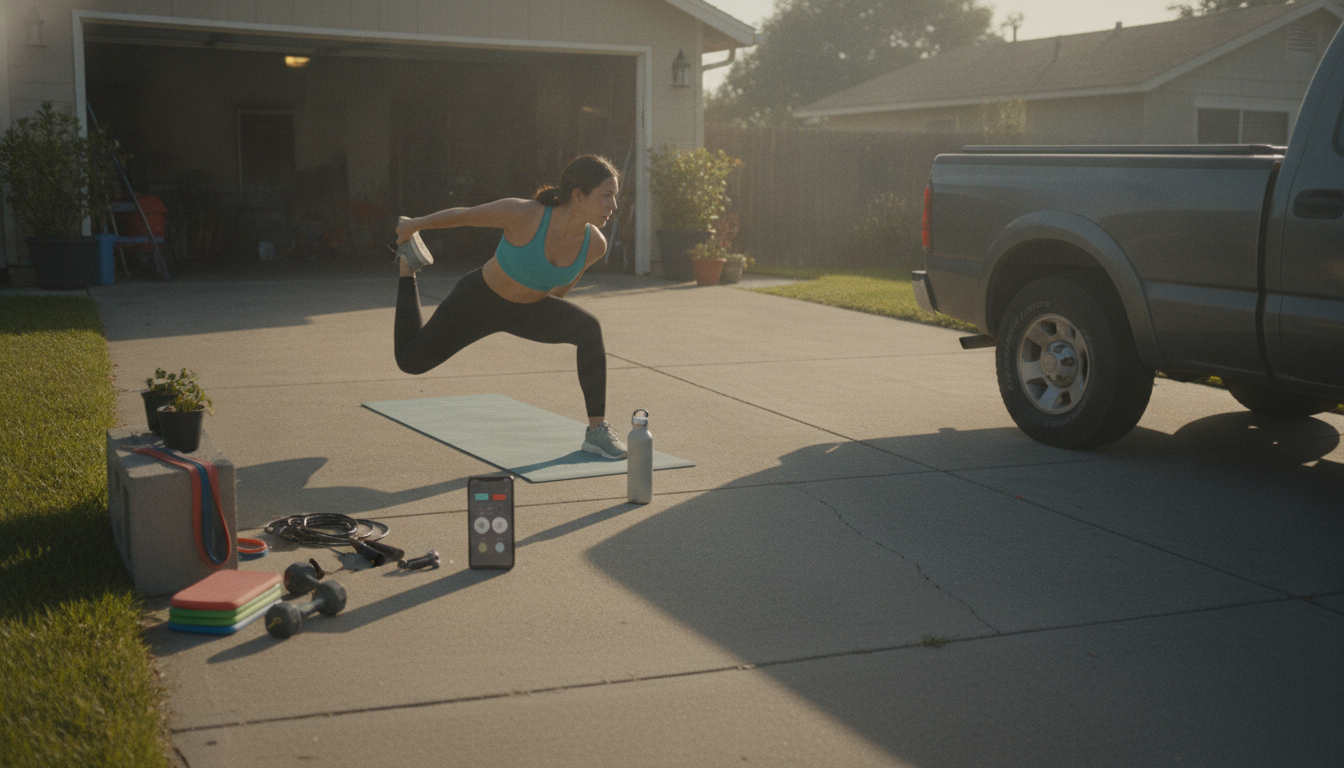
Is the 30 day fitness at-home app free?
It depends on which “30 day fitness at-home” app you mean. Many apps that advertise 30-day fitness challenges are free to download and may include a set of basic workouts at no cost, but they often reserve the full plan, advanced routines, meal plans, or coaching features for a paid subscription. Some also include a free trial period, then automatically convert to a monthly or yearly plan unless canceled.
To confirm whether your specific app is free, check the app store listing for “In-app purchases” or “Subscriptions,” then open the app’s settings (often under “Manage Subscription,” “Restore Purchases,” or “Billing”). If a “30-day” program is locked behind a paywall, the app will usually show a prompt when you try to start the full challenge or access later weeks.
How to get results without paying for an app
If you’d rather avoid subscriptions, you can still follow a structured month-long routine using a simple calendar, a timer, and a consistent plan that progresses week to week. A good approach is to rotate strength days (lower body, upper body, core), add low-impact cardio or brisk walking, and include short daily mobility work to stay consistent and reduce soreness.
For a ready-to-follow option, use this free guide that lays out daily sessions and stretches: 4-Week At-Home Workout Plan (Daily Workouts & Stretches). It’s designed to be practical at home with minimal equipment and can be repeated or adjusted as you get stronger.
What “free” usually includes (and what it doesn’t)
When an app says it’s free, that may only mean the download costs nothing. Typical free features include a limited workout library, basic timers, or a handful of beginner routines. Common paid upgrades include personalized plans, progressive overload tracking, ad-free use, detailed video coaching, and nutrition guidance.
FAQ
How long should a beginner workout at home each day?
Most beginners do well with 20–40 minutes per day, 4–6 days per week, especially if the plan alternates strength, cardio, and mobility. Consistency matters more than long sessions.















Leave a comment